

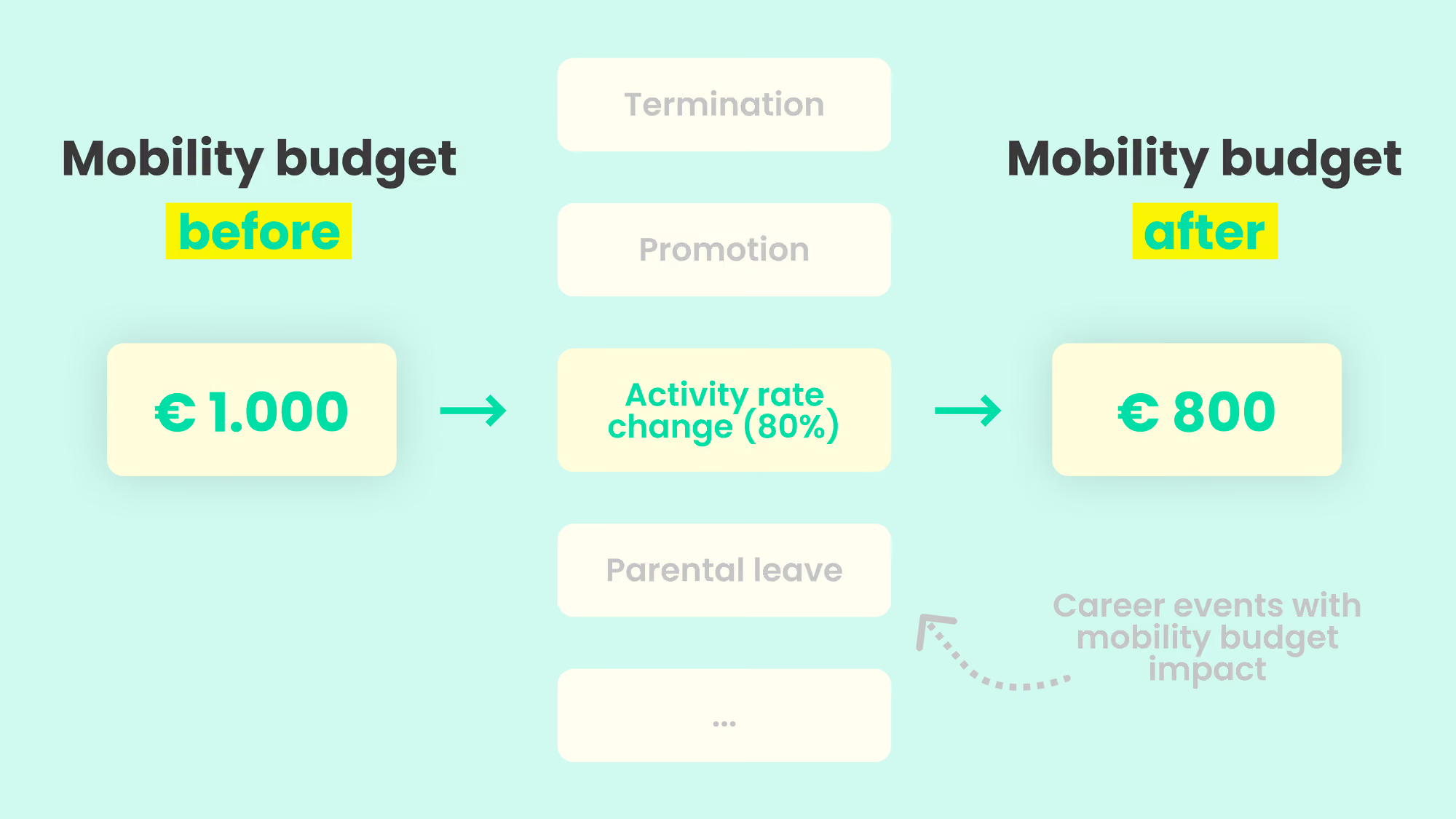
Imagine someone switches to a part-time role at 80% activity rate. No need to manually adapt this anymore, their mobility budget aligns perfectly, offering 80% of the usual amount. When the activity rate changes, your employee’s mobility budget gets an immediate and precise adjustment.
💡 With this feature, we're covering every possible career event and its impact on the mobility budget: change in function, work suspension, contract term, change in activity rate, etc.
❗ This feature is only possible for companies using User Groups (Available as of the Gold plan)
1. Activate the Activity rate feature
- Go to the Settings tab < customization
- Toggle on the option for activity rate under Budgets.
2. Create user groups
➡️ Check out this article about creating user groups
3. Adapt the activity rate for employees
1. Be sure the employee is part of a user group you created. Only then does the feature appear.
2. Once this is done, there are multiple ways you can update the activity rate
- Via de profile of the employee > settings
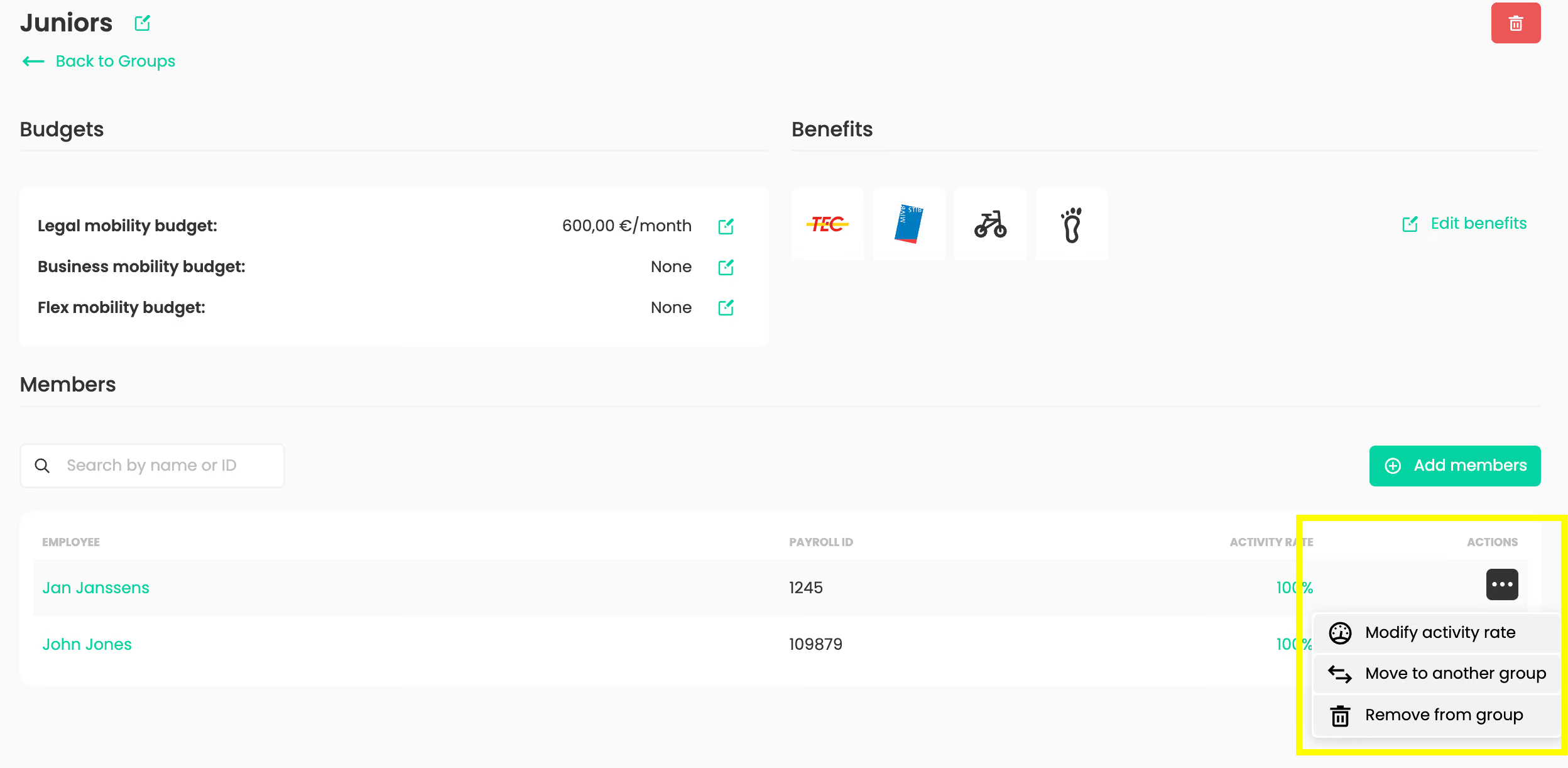
- Via de user group > employees > three dots > modify activity rate
- Via our Public API or bulk file import
3. The budgets will be recalculated based on the activity rate set.
💡 You can not set an activity rate in the future. Make the Change in the user groups on the day of the change.