

- Log in to Mbrella
- Go to the Mobility Hub in the menu on the left
- Click on the benefit "Mbrella Pay"
- Click on "Activate the benefit"
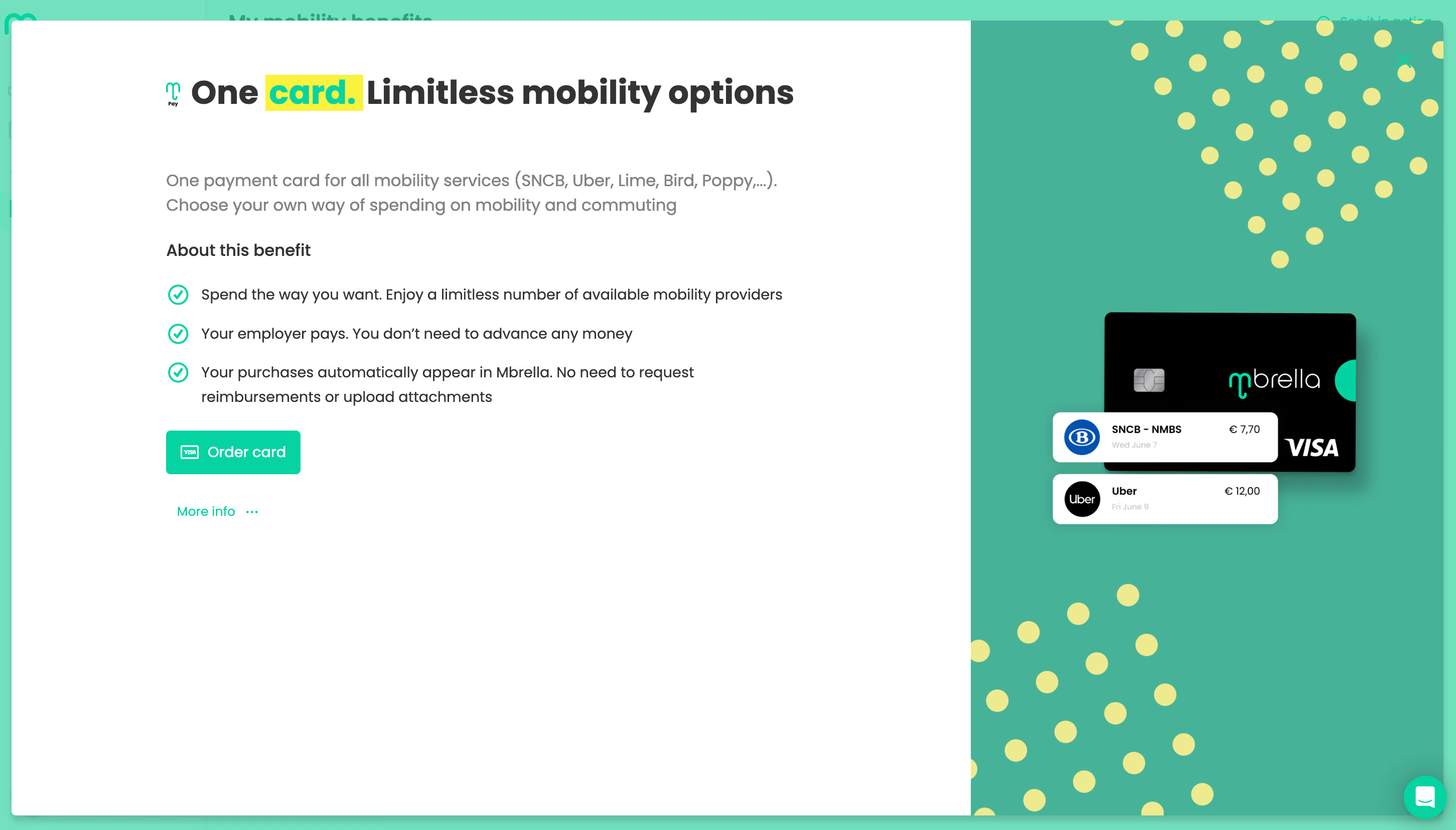
- Click on "Order card"
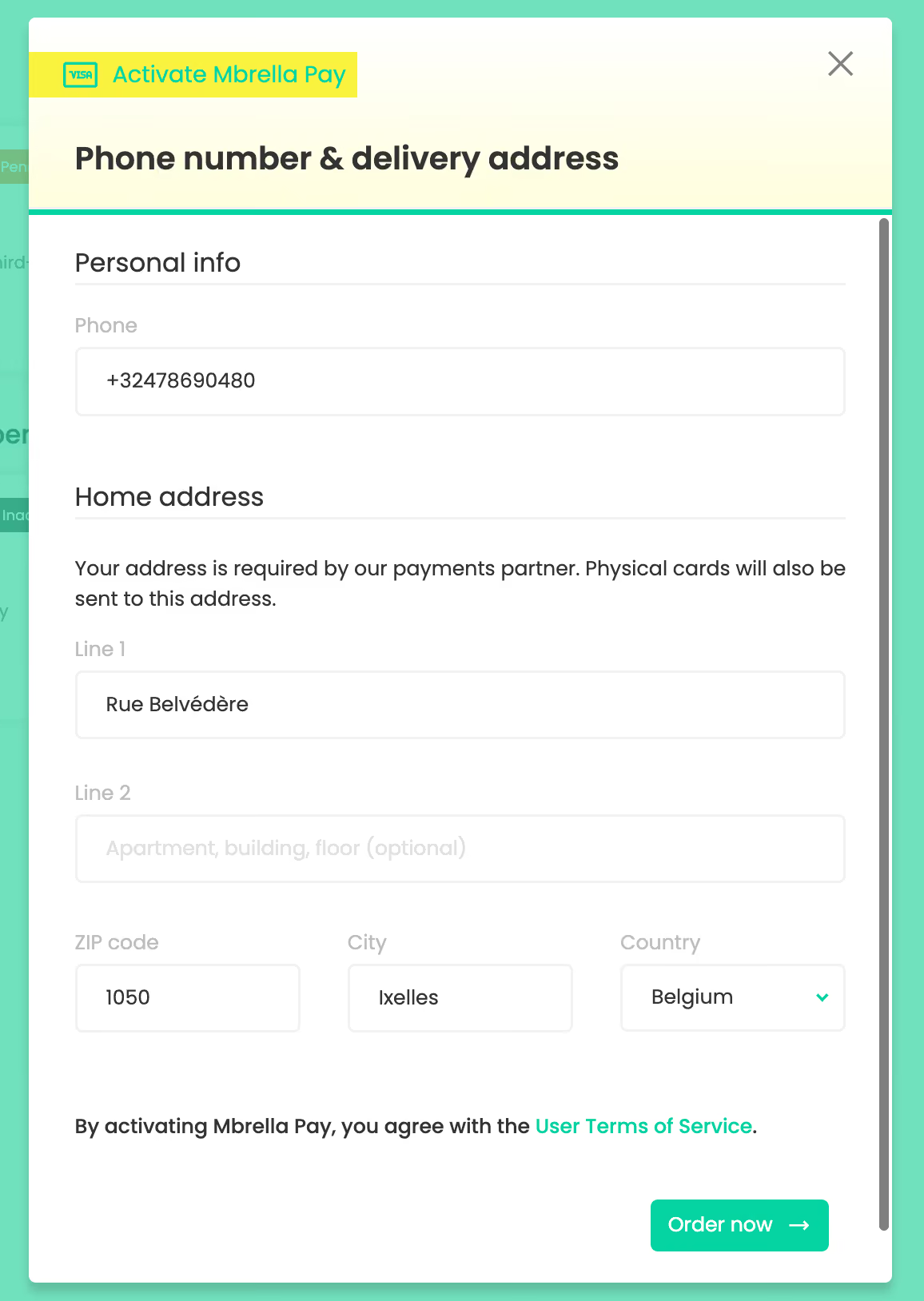
- Complete your personal data if necessary
- Click on "Order now"
- Wait a few moments...
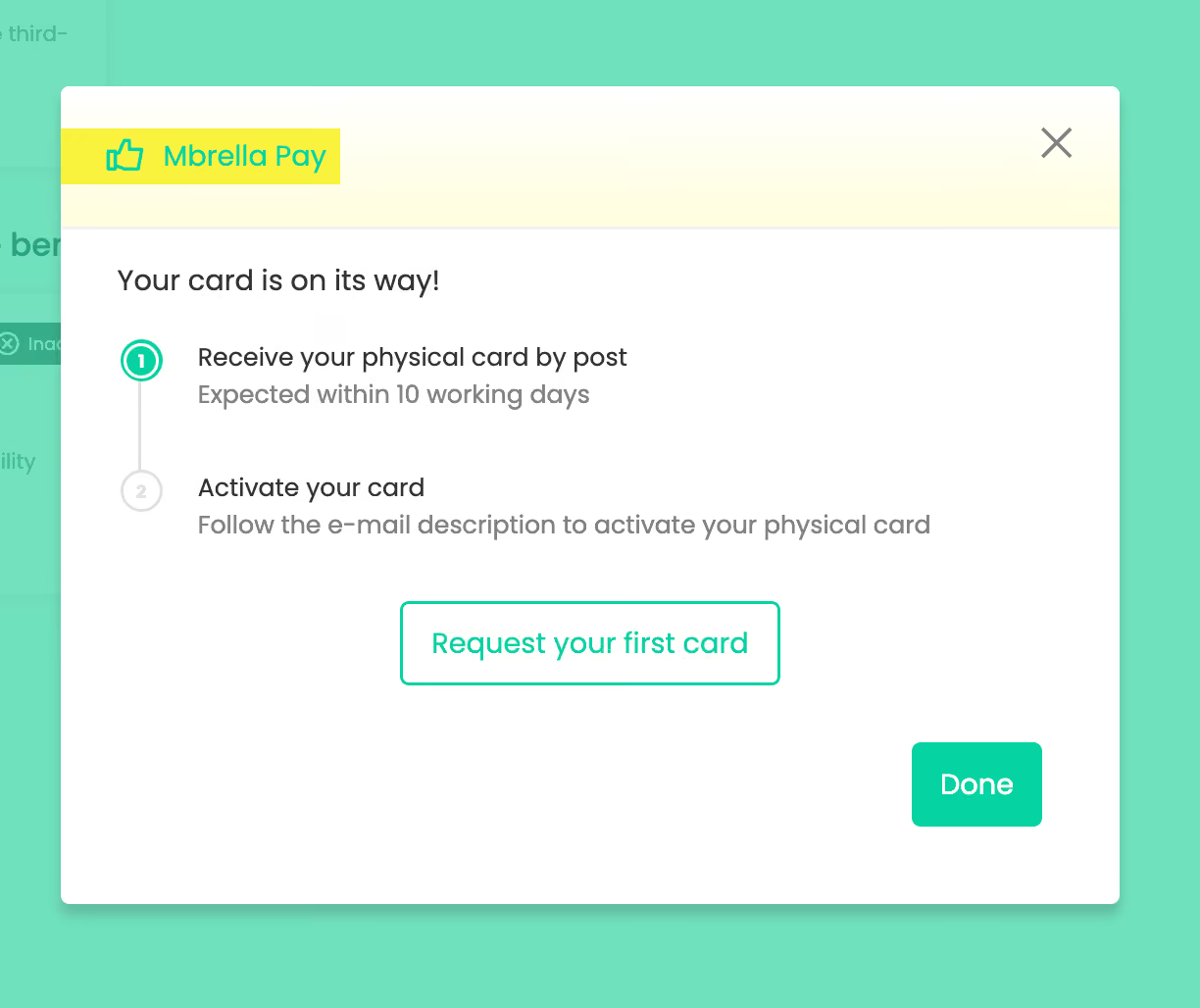
- Click on "Request your first card"
- Choose "Order virtual card"
Here you can also optionally choose a physical card. For this you pay a one-time fee of 5 euros.
- Select the budget you want to use the card for
- Click on "Order now".
Your virtual Mbrella Pay card is immediately active. Go to the "Cards" tab to see your card(s). For each budget, you will see the card attached to it. You can now see per card the transactions you made with that card.
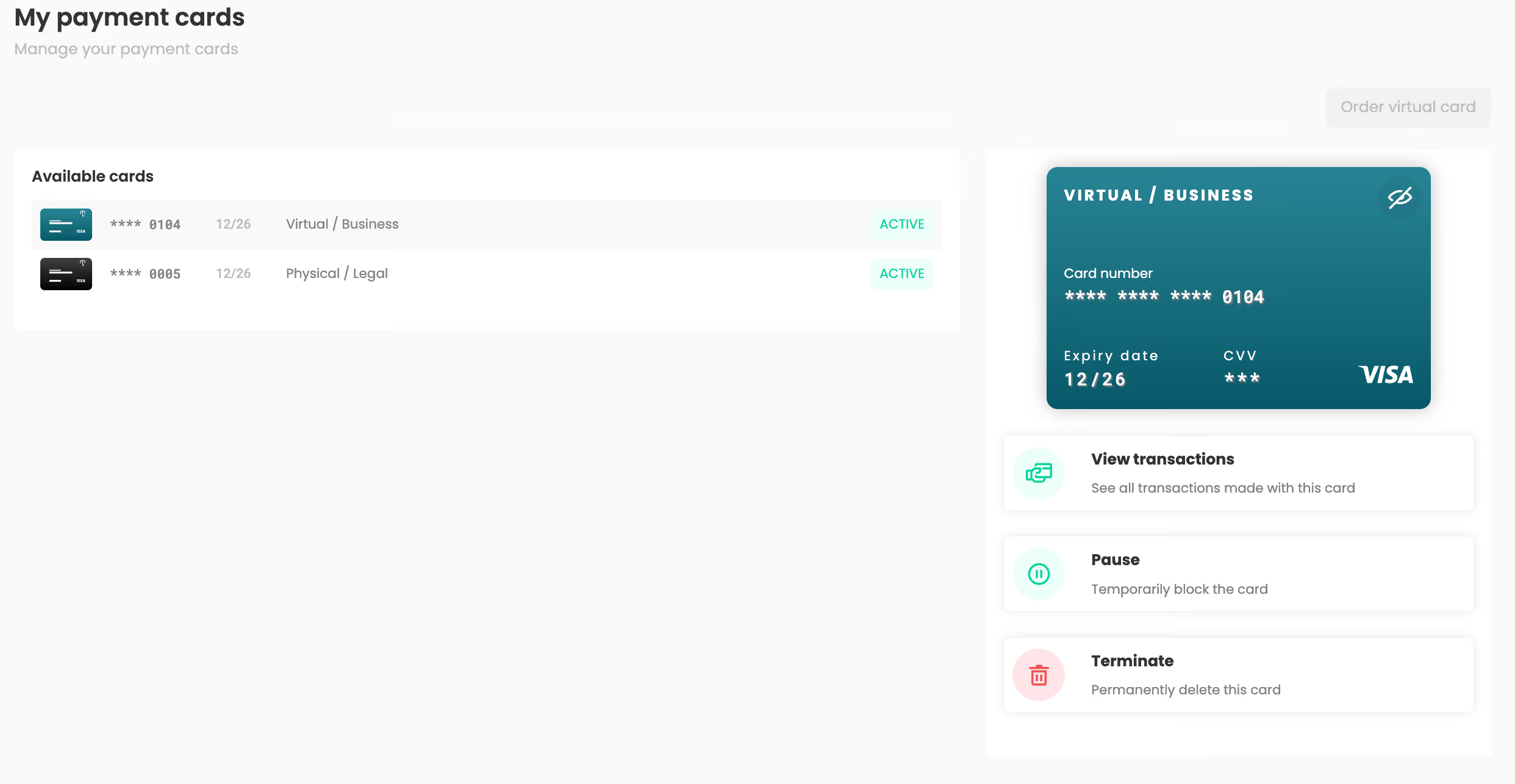
At the top right, you can always order a new virtual (or physical) card. You can request a maximum of one card per budget. You can order a separate card for each budget.