

How do I add an expense to Mbrella?
No worries, we’re also taking care of this!
All your payments with Mbrella Pay are automatically added to your Mbrella profile.
You have two ways of seeing your Mbrella Pay expenses
- Connect to Mbrell
- Go to the Expenses tab
- Search for the expenses coming from the Partner Mbrella Pay
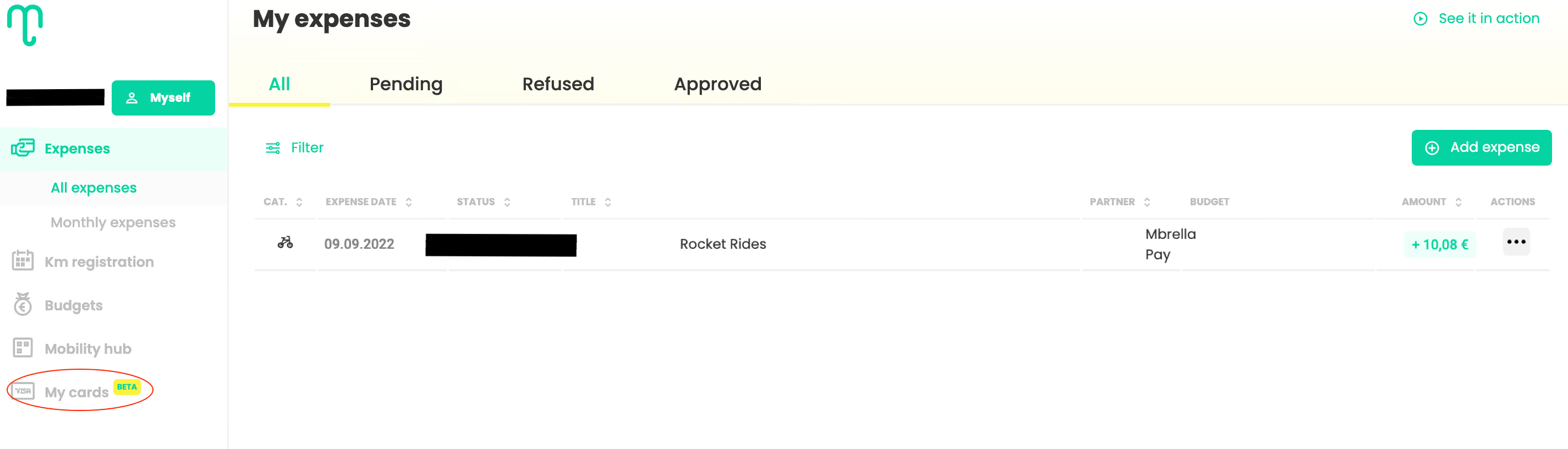
Or, you can also see them using this method:
- Connect to Mbrella
- Go to the Cards tab
- Click on your card and see the card transactions