

You can use your usual credentials if you want to log into the app.
⚠️ You need to first log in with the link in the invitation email on a classic browser, then you will be able to use the mobile app.
After this, you can log into your account in the app.
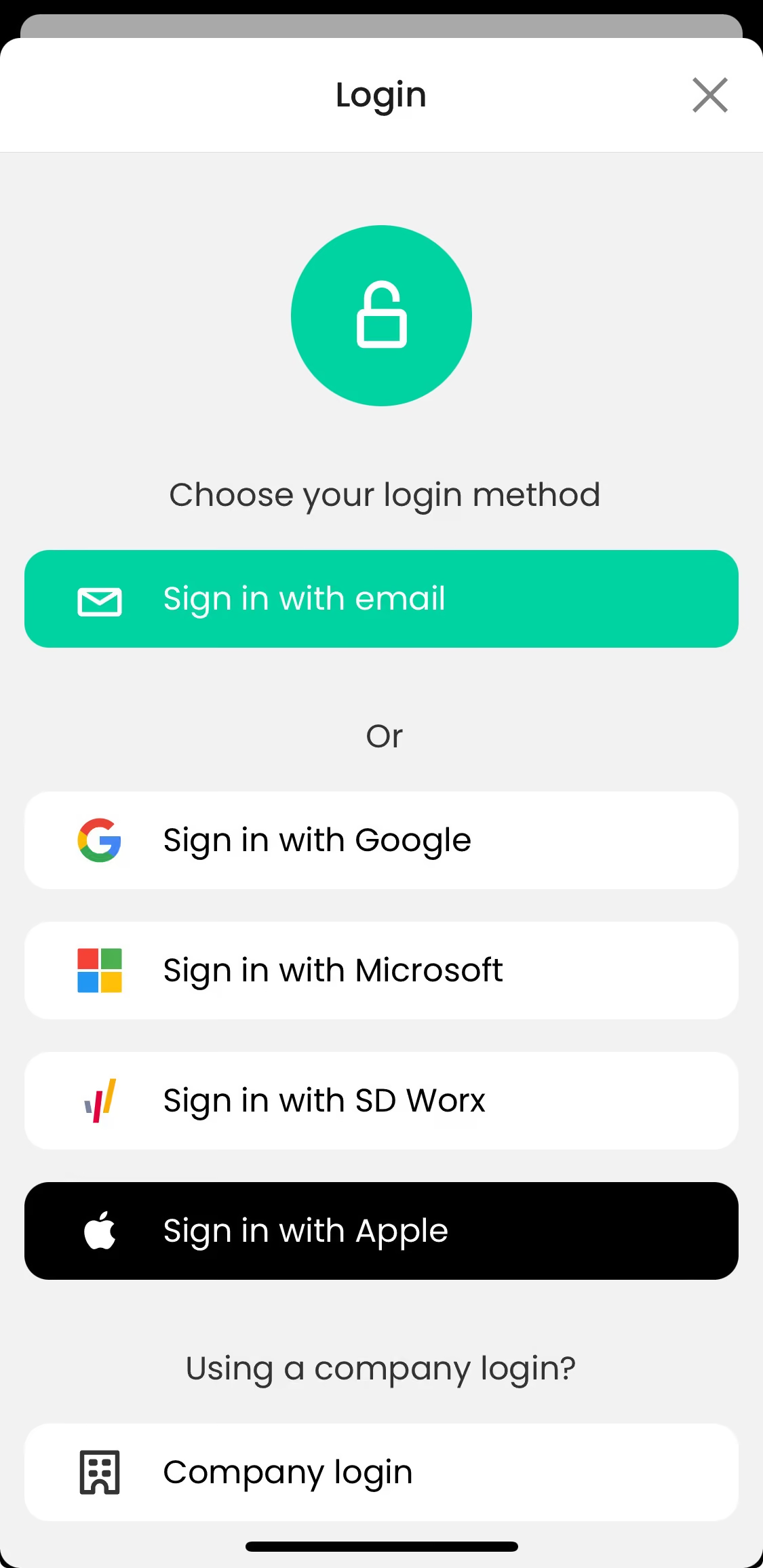
You will see that you have different log-in options, make sure to use the correct one.
1. Sign in with email - you created your account by creating a password linked to your email address
2. Sign in with Google or Microsoft - you created your account with those identification solutions
3. Sign in with SD Worx - your company is using SD Worx and you need to log in with your SD Worx credentials
4. Sign in with Apple - Won't work in most of the cases, as you created your account with another identification way.
5. Company log-in - Your company is using a dedicated log-in method with a special URL (e.g. company.mbrella.io)